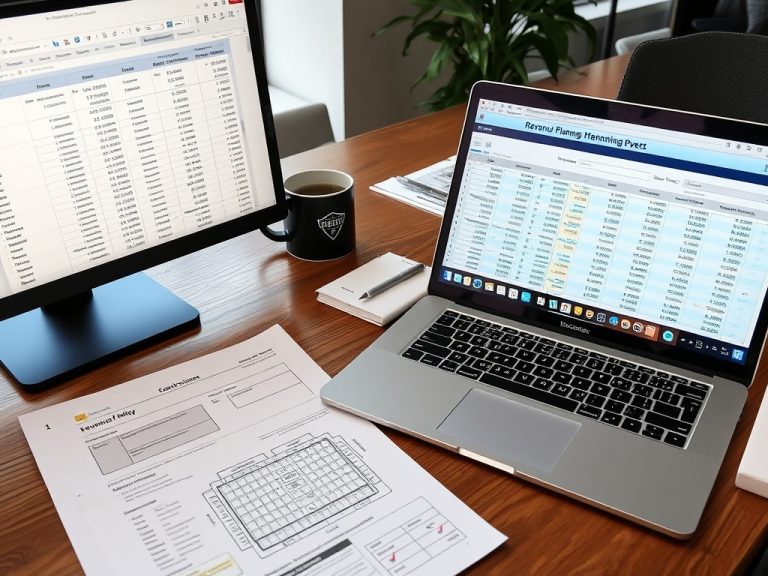
Zoom Events, RingCentral Events as the current Hopin alternative, and webinar platforms solve different virtual-event problems. The right choice depends on format complexity, networking needs, production control, budget, and audience behavior.
Key Takeaways
- Zoom Events is often strongest when teams already use Zoom and need multi-session virtual programming.
- Hopin is now RingCentral Events, so teams comparing Hopin alternatives should evaluate RingCentral's current event product.
- Traditional webinar platforms may be enough for simpler lead-generation, training, or broadcast-style events.
Start with event format, not feature lists
Virtual event platform comparison gets confusing when teams begin with long feature grids. Start with format. A one-hour webinar, a multi-track conference, a sponsor-heavy virtual expo, and a hybrid leadership summit do not need the same system. Some teams need reliable registration, speaker controls, analytics, and replay. Others need networking lounges, exhibitor spaces, branded lobbies, multiple stages, and complex attendee paths.
Zoom Events product page describes multi-session programming, lobby experiences, and networking-oriented virtual event functions. That makes it a different buying conversation from a basic webinar tool. RingCentral Events page is relevant because Hopin now directs users to RingCentral Events, so teams should evaluate the current product rather than old Hopin feature assumptions.
How the options usually differ
Zoom Events may fit organizations already invested in Zoom meetings, webinars, and internal workflows. It can support larger virtual experiences while reducing adoption friction for speakers and attendees who already know Zoom. RingCentral Events may fit teams looking for a more event-branded virtual venue experience with stages, engagement spaces, and community-style programming. Standard webinar platforms may fit teams that need straightforward registration, reminder emails, presenter controls, and post-event reporting.
None of these categories is automatically best. A platform that is powerful for a virtual conference may be too much for a 45-minute product demo. A simple webinar system may be too limited for a sponsor-backed event with networking and parallel tracks.
Comparison table for decision makers
| Option | Best-fit use case | Tradeoff to examine |
|---|---|---|
| Zoom Events | Multi-session programs where users already know Zoom | Branding and event-venue expectations may need review |
| RingCentral Events | Virtual or hybrid events with stronger venue-style engagement | Confirm current features, pricing, and support fit |
| Webinar platforms | Training, demos, thought leadership, and lead generation | May lack networking, expo, or complex agenda support |
| Custom production stack | High-control broadcasts or hybrid stage productions | Requires stronger technical planning and vendor coordination |
Budget, audience, and operational criteria
Budget should include more than license cost. Consider setup labor, production support, speaker training, sponsor fulfillment, integrations, data export, captioning, recording, replay hosting, and attendee support. A lower subscription price may not be cheaper if the team needs manual workarounds.
Audience behavior matters too. If the audience expects discussion, networking, and choice, a passive webinar may disappoint. If the audience wants a clean expert presentation with a simple registration path, a complex virtual venue may distract. The conference agenda guide can help connect platform choice to session format decisions instead of comparing technology in isolation.
Data and follow-up planning
Before choosing a platform, decide what data the team needs after the event. Registration source, attendance duration, session participation, questions asked, poll responses, sponsor engagement, content downloads, and replay views may all matter differently. Confirm what the platform can export, what integrates with CRM or marketing automation, and what privacy or consent language is required.
Post-event planning should also influence the choice. If the event will become articles, clips, sales enablement, sponsor reporting, or a learning library, recording access and content management matter. The event debrief tools guide can help teams turn platform data into a structured review process after the program ends.
Platform Choice Briefing
Choose the platform that matches the event's actual experience design. Simple webinar, multi-session event, sponsor-driven virtual venue, and hybrid broadcast are different operating models. Evaluate tools against that model before comparing demos.
Educational note: platform features, pricing, integrations, access rules, and product names can change. This article is informational only and is not legal, financial, technical, travel, immigration, safety, or contractual advice. Verify all details directly with official platform providers and event organizers before purchasing or registering.
Procurement Questions Worth Asking
During demos, ask vendors to show the exact workflow your team will use. Request a registration setup, speaker access flow, attendee login, sponsor area if relevant, session change, recording export, data report, and support process. A polished feature tour is useful, but a workflow test exposes the effort your team will actually carry.
Ask about accessibility, captions, integrations, data retention, consent tools, support hours, and what happens if the platform has an outage. These questions are not only technical. They affect audience trust, sponsor delivery, compliance review, and the event team's ability to respond when something goes wrong.
Build a decision scorecard before the demos begin. Weight criteria such as attendee ease, production control, engagement, analytics, integration, support, accessibility, and total cost. Without weighting, the team may be persuaded by features that look impressive but do not matter to the event's purpose.
The platform decision should also include the attendee support model. Decide who answers login questions, who helps speakers, who monitors chat or Q&A, who handles sponsor issues, and who communicates if a session link changes. Some platforms make these tasks easier, but no platform removes the need for ownership. A well-supported simple platform can outperform a feature-rich platform that the team does not have time to operate. Match the technology to the people who will run it.
Security and privacy review should be part of platform selection, especially for paid events, member communities, healthcare, education, nonprofit donors, or corporate audiences. Confirm how attendee data is stored, exported, shared with sponsors, and removed when required. Also confirm consent language and reporting limits before promising analytics to internal teams or partners. A platform may support a feature technically while the organization still needs policy approval to use it.
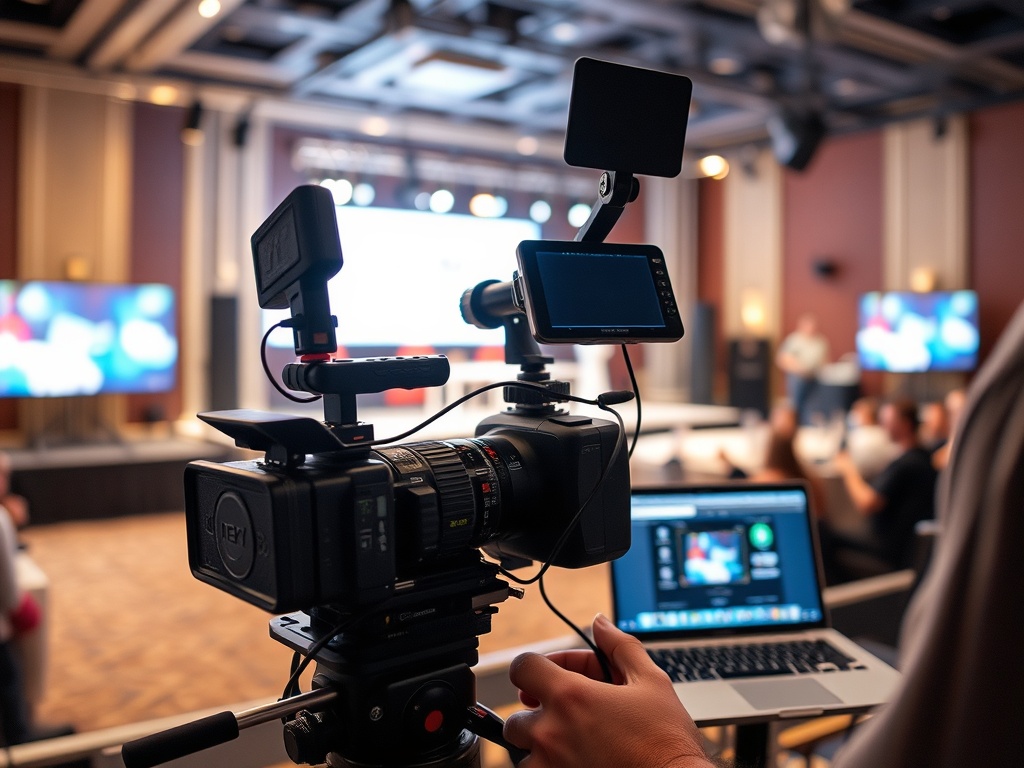
For hybrid events, confirm how the platform supports people who attend online while an in-person program is happening. A tool may handle virtual sessions well but still need added production support for cameras, audio mixing, remote Q&A, and moderator coordination. Hybrid success often depends less on the platform name and more on how carefully the production workflow is designed.
Write the event format and follow-up requirements first, then compare platforms against that operating model instead of chasing every feature.
Use this article as a planning reference, then confirm event-specific details with official organizers, platforms, venues, and qualified professionals before taking action.