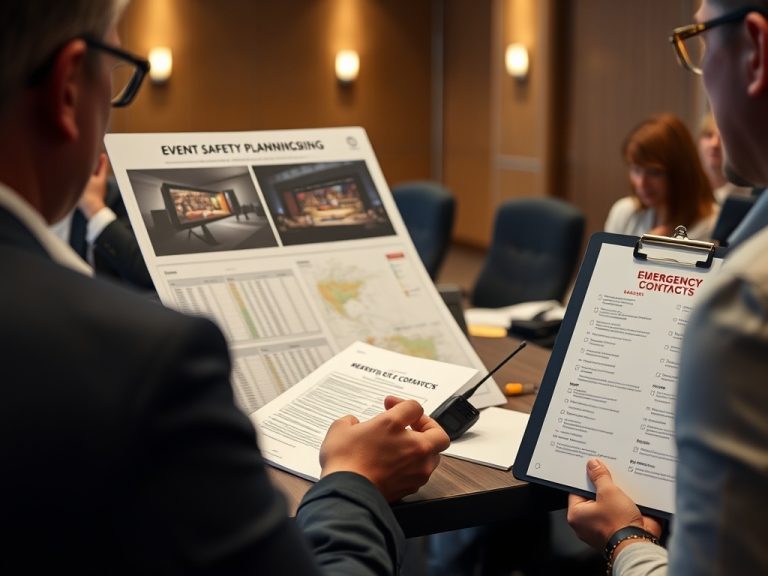
Long lines at the door usually come from avoidable check-in friction: unclear entry paths, slow ticket lookup, weak staffing, untested scanners, and unresolved exceptions.
Key Takeaways
- Check-in should be designed as a guest-flow system, not just a software task.
- Most delays come from exceptions: missing tickets, name mismatches, VIP questions, accessibility needs, and unclear lines.
- A short rehearsal with real devices and sample scenarios can prevent many arrival problems.
Mistake 1: treating check-in as one line
A single line may look orderly, but it can fail when different guests need different levels of help. Pre-registered attendees with clear tickets should not wait behind people who need manual lookup, payment resolution, badge correction, or VIP handling. Segment the entry experience based on real arrival needs.
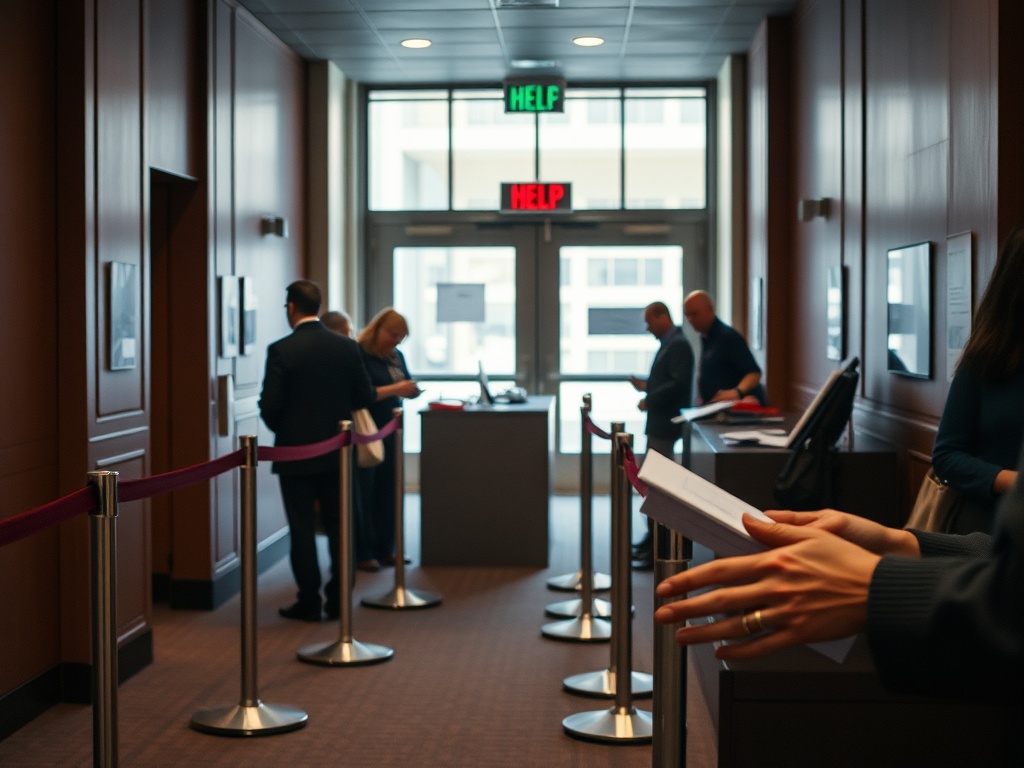
Use visible lane logic: quick scan, manual lookup, sponsor or VIP desk, accessibility support, and problem resolution. The exact structure depends on event size, venue, staffing, and technology. The guest logistics guide can help teams connect entry flow with signage, staffing, catering timing, and room movement so the door does not become the first bottleneck of the day.
Mistake 2: not testing the technology under event conditions
Check-in technology should be tested with the devices, network conditions, ticket formats, staff roles, and lighting expected at the venue. A scanner that works in the office may behave differently near a crowded entrance or with dim lighting. Manual lookup should also be tested because not every attendee will have the right ticket ready.
Eventbrite Organizer app help explains that attendees can be checked in manually or by scanning tickets, which reflects the practical need for both fast scanning and fallback lookup. Whatever system is used, the team should rehearse common exceptions before doors open.
Mistake 3: weak signage before the desk
Check-in signs should help guests make decisions before they reach staff. If the first question is where do I go, the line has already slowed. Signs should clarify entry point, ticket-ready expectations, badge pickup, VIP or speaker desk, accessibility support, and help desk location. Keep wording short and consistent with the event page and confirmation email.
Do not rely on staff to explain everything verbally. Staff should solve exceptions, not repeat basic directions hundreds of times. During the venue walkthrough, stand at the entrance and ask what a first-time guest would understand in five seconds.
Check-in issue matrix
| Mistake | Why it creates lines | Safeguard |
|---|---|---|
| No exception desk | Complex cases block fast scans | Move problem solving away from the main lane |
| Untested devices | Staff lose time troubleshooting | Rehearse with real devices and backup power |
| Unclear signage | Guests ask the same questions repeatedly | Place decision signs before the queue |
| No staffing trigger | Rush periods overwhelm the desk | Add floaters during predicted arrival peaks |
Mistake 4: staffing only the desk
The desk is not the whole check-in experience. Greeters, line managers, floaters, and help desk staff can reduce pressure before a guest reaches the scanner. A greeter can ask guests to open tickets. A line manager can direct different attendee types. A floater can handle urgent questions without pulling desk staff away.
Use arrival forecasts to staff intelligently. If most guests arrive within a short window, a lean desk will struggle even with good technology. If the agenda has staggered arrivals, the team may need fewer people but better handoff notes.
Door Flow Reset
A smooth check-in experience is built before the first attendee arrives. Segment the lines, test the tools, write short signs, prepare exception handling, and staff the whole arrival path instead of only the desk.
Educational note: entry requirements, eligibility, ticket rules, access controls, and venue policies vary by event and location. This content is informational only and does not replace legal, safety, travel, immigration, financial, or contractual advice. Verify all details with official organizers and venues.
Arrival Rehearsal Details
A useful check-in rehearsal should include more than staff standing behind a desk. Walk through the first 15 minutes of guest arrival with sample tickets, late arrivals, missing names, VIP exceptions, walk-up questions, accessibility needs, and staff shift changes. These small scenarios reveal gaps that a software demo will not show.
Pay attention to physical layout. A desk placed too close to the entrance can create a pileup before staff can sort guests. A help desk placed behind the main line can force people to cross traffic. A sign that is readable from three feet away may fail from the doorway. The rehearsal should test sightlines, movement, and noise, not only the scanner.
Give staff permission to escalate early. Lines grow when front-line workers feel they must solve every case alone. Define what they can decide, what requires a supervisor, and where complex cases should go. A calm exception path keeps the main line moving and gives guests with real issues a better experience.
It is also useful to define what the attendee should do before reaching the desk. Confirmation emails can remind guests to have tickets ready, bring required identification if applicable, check the correct entrance, or review access details. Keep those instructions factual and current. If they do not match what guests see at the venue, they will create more questions. Door flow improves when pre-event communication, signage, lane design, and staff scripts all repeat the same simple instructions.
After the event, review check-in while the details are fresh. Ask staff which questions repeated, which lane slowed down, what device or network issues appeared, which signs helped, and which exceptions needed supervisor help. Compare those notes with arrival timing and registration data when available. The next event's check-in plan should not start from memory alone. It should start from evidence gathered at the door.
If the event uses badges, wristbands, seating assignments, or access tiers, rehearse those steps as part of check-in rather than after it. Each extra item adds a decision, a possible mistake, and a time cost. The cleanest entry process gives staff only the materials they need for that guest type and moves exceptions away from the main flow.
That preparation also protects the tone of the event. Guests often judge the whole program by the first few minutes. A clear, calm entrance makes the event feel organized before the first session begins.
Rehearse check-in with real devices, sample tickets, exception scenarios, and the exact lane structure before doors open.
Use this article as a planning reference, then confirm event-specific details with official organizers, platforms, venues, and qualified professionals before taking action.